You have a Chime account. You love the no-hidden-fees, early direct deposit, and mobile-first banking experience. But then life happens—a car repair, an unexpected medical bill, or your grocery budget runs dry three days before payday. You need cash now.
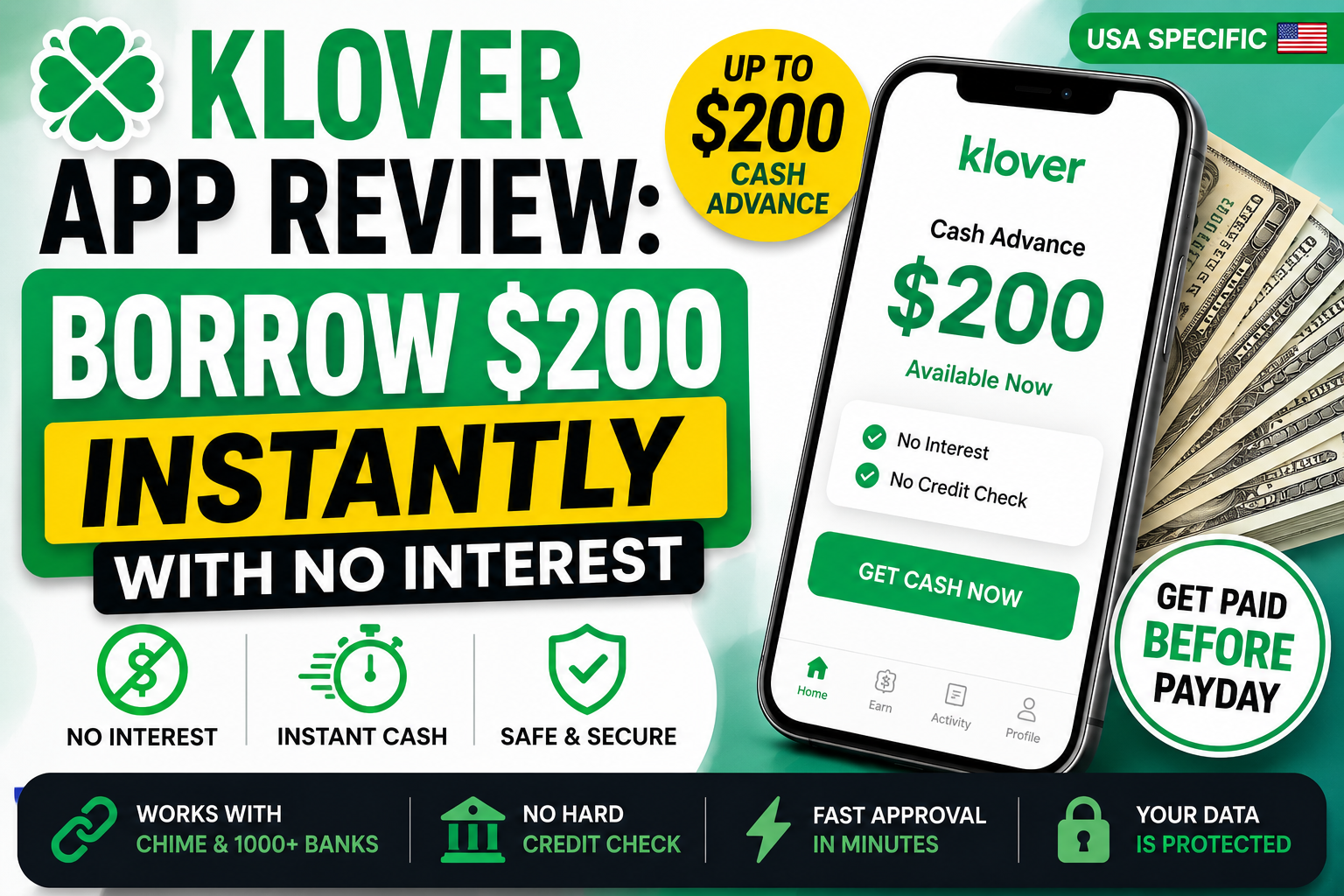
Klover offers an interesting alternative to traditional cash advance apps. Instead of charging a monthly subscription or mandatory fees, it uses a points-based model where you earn rewards by engaging with the app. The advance itself is technically free with no interest, but accessing meaningful amounts requires your time and attention.
This guide provides a comprehensive review of Klover, including how it works, what it costs (in dollars and in time), and whether it is the right choice for Chime users in 2026.
Quick Comparison Table: Klover vs Other Chime-Compatible Apps
| App | Max Advance | Speed to Chime | Fees | Chime Compatibility Rating | Credit Check? |
|---|---|---|---|---|---|
| Klover | $200-$400 (points boost may increase) | 2-3 business days free; instant for fee | No subscription; instant fee up to $19.99 | ⭐⭐⭐ | No |
| Chime MyPay | $500 | 24 hrs free; instant for fee | $2-$5 for instant; no mandatory fees | ⭐⭐⭐⭐⭐ | No |
| Chime SpotMe | Up to $200 | Instant (overdraft) | Free | ⭐⭐⭐⭐⭐ | No |
| EarnIn | Up to $1,000 | 1-2 business days; instant for fee | Tips optional; instant fee $2.99-$5.99 | ⭐⭐⭐⭐ | No |
| Albert | Up to $1,000 | 2-3 business days; instant for fee | No subscription for advances; instant fee varies | ⭐⭐⭐⭐ | No |
| MoneyLion | Up to $500 / $1,000* | 1-5 business days; instant for fee | No mandatory fees; Turbo fee up to $8.99 | ⭐⭐⭐⭐ | No |
| Dave | Up to $500 | 2-3 business days; instant for fee | Up to $5/mo subscription; 1.5% instant fee | ⭐⭐⭐⭐ | No |
| Brigit | Up to $500 | 1-3 business days; instant for fee | $8.99-$14.99/mo subscription | ⭐⭐⭐⭐ | No |
*MoneyLion offers up to $1,000 for users with its RoarMoney account.
First Things First: Try Chime’s Built-in Options
Before you download any third-party app, check if you already have a solution in your pocket.
Chime SpotMe: Fee-Free Overdraft Protection
SpotMe isn’t a cash advance per se, but it covers you when you overdraft on debit card purchases and ATM withdrawals. Your limit starts at $20 and can grow to $200 or more based on your account history and direct deposits. It is an automatic safety net with no fees .
Chime MyPay: Get Up to $500 of Your Paycheck Early
Chime’s own cash advance feature, MyPay, lets eligible members access up to $500 of their earned wages before payday. It has no mandatory fees, no interest, and no credit check. Standard delivery is free within approximately 24 hours, or instant for a fee of $2 to $5 .
Detailed Klover Review
What Is Klover?
Klover is a financial app that provides interest-free cash advances without a credit check or monthly subscription fee . Instead of charging mandatory fees, Klover uses a data-sharing model where users earn points by taking surveys, watching short videos, scanning receipts, or inviting friends .
Klover is not a traditional payday loan or personal loan app. By validating your employment, you can access money you have already earned whenever you want . Klover is compatible with Chime for eligible users .
How Much Can You Borrow?
Klover advances range from $25 to $750, though the average advance is around $170 . New users typically start with a base amount of $20 to $50 . You can boost your limit by earning Klover Points through in-app activities, reaching up to approximately $200 or more .
Key limitations:
- Base advances without boosts: $20 to $50
- With points boosts: up to approximately $200
- Stated maximum: $750 (not all users will qualify)
How Fast Does Money Hit Your Chime Account?
- Standard delivery (free): 2 to 3 business days to an external bank account
- Express delivery (fee): Within minutes for a fee
All Fees Explained Transparently
Klover’s fee structure is unusual compared to other cash advance apps:
Interest: 0% APR. You only repay what you borrowed .
Mandatory fees: None. There is no monthly subscription required to access cash advances .
Express transfer fees: For instant delivery, fees range from $1.49 to $19.99 depending on the advance amount . For a $100 advance, the instant fee might be around $3.99; for maximum advances, it can reach $19.99 or more .
Tips: Optional and do not affect your access or limits .
Klover+ Subscription: Optional monthly subscription for additional features like credit monitoring and spending tools, up to $9.99 per month .
How to Connect with Chime
- Download the Klover app from the Google Play Store or Apple App Store.
- Create an account with your personal details.
- Link your Chime bank account via Plaid by entering your online banking credentials.
- Verify your paycheck by confirming at least three consistent direct deposits in the past two months .
- Once approved, request your cash advance amount.
What Is the Klover Points System?
Klover’s points system is central to how the app works. You earn “Klover Points” by engaging with the app (watching ads, completing offers, sharing data), and you spend those points to boost your advance amount .
How it works:
- Base advances are often small ($20-$50)
- Points can boost your limit to approximately $200
- Points are earned through surveys, video ads, partner offers, and referrals
What this means for you: The points system is not a loyalty program. It is a monetization engine. When you watch an ad or complete an offer, Klover earns revenue. Your attention and data are the product being sold .
Time cost: Users report spending 15 to 30 minutes per week on point-earning activities. At 20 minutes per week, that is approximately 17 hours per year. If you value your time at $15/hour, the “free” app effectively costs $255/year for a $200 maximum advance .
Real User Experience Summary: User reviews are mixed. Klover has a 4.59 rating from over 151,000 reviews on Google Play . Many users praise the app for ease of use and fast access to funds. However, recurring complaints include:
- Login issues and password reset loops
- Unreliable points and offers system with many offers failing to credit
- High instant-pay fees and delays
- Billing and subscription charges continuing after cancellation
Pros:
- No credit check or interest charges
- No monthly membership fee required
- Points system can increase advance limits over time
- Daily sweepstakes for a chance to win $100
Cons:
- Base advances are small ($20-$50 without points)
- Earning enough points requires significant time and effort
- Points offers often fail or do not credit
- High instant transfer fees (up to $19.99)
- Not guaranteed same-day funding without paying an express fee
- App issues include login problems and poor customer support
Head-to-Head: Klover vs Competitors
Most Cash Overall: EarnIn and Albert
EarnIn and Albert both offer up to $1,000, significantly outpacing Klover’s practical $200 limit . If you need more than $200, Klover may not be the best choice.
Lowest Fees: Chime MyPay and EarnIn
Chime MyPay has no mandatory fees and a low instant fee ($2-$5). EarnIn has no mandatory fees and optional tips. Klover technically has no mandatory fees, but the time investment for points and instant transfer fees can add up .
Fastest Funding: Chime MyPay, Albert, and MoneyLion
All offer instant funding for a fee. Klover’s express fees are higher than most competitors for the same service.
Best for No Monthly Subscription: Klover and EarnIn
Both Klover and EarnIn do not require a monthly subscription to access cash advances .
How to Qualify for Higher Advances Over Time
Most cash advance apps use algorithms based on your banking activity to determine your limit. Here is how to increase your chances of getting a larger advance:
- Maintain Consistent Direct Deposits: Regular, predictable income is the single most important factor .
- Avoid Overdrafts: Apps see overdrafts as a sign of financial stress and may lower your limit.
- Use the App Responsibly: Borrow small amounts and repay them on time. This builds trust with the app’s algorithm.
- Keep a Positive Balance: A higher average daily balance in your Chime account suggests you are a lower-risk user.
- Earn Klover Points: Engage with the app’s point-earning activities to boost your advance limit .
Important Safety Warning: Predatory Lenders to Avoid
Cash advance apps are a much safer alternative to traditional payday loans, but not all apps are created equal. Be on the lookout for:
- Apps with Extremely High APRs: Some apps masquerade as cash advances but are actually high-interest loans. Always check the APR. A typical payday lender charges $15 per $100 borrowed, which on $500 means a $75 fee for a two-week loan—translating to nearly 400% APR .
- Hidden Fees: Read the fine print. Avoid apps that are not transparent about subscription fees, processing fees, or tips that are essentially mandatory.
- Aggressive Collection Practices: Stick with well-established, reviewed apps like the ones on this list.
- Requests for Upfront Payment: Legitimate cash advance apps never ask for money upfront to unlock an advance.
- Apps That Do Not Explicitly Support Chime: Apps like FloatMe, PayActiv, and SoLo Funds are known to have issues connecting to Chime . Avoid the frustration and stick with verified options.
Frequently Asked Questions (FAQs)
1. Is Klover really free?
No dollars leave your bank account for the advance. However, accessing higher amounts requires earning Klover Points through ads, offers, and data sharing. Whether this qualifies as “free” depends on whether you count time and attention as a cost .
2. Does Klover work with Chime?
Yes, Klover is compatible with Chime for eligible users. You will need to link your Chime account via Plaid during the signup process .
3. Will using Klover affect my credit score?
No. Klover does not perform hard credit checks and does not report your activity to credit bureaus .
4. What happens if I cannot repay Klover?
Klover automatically withdraws repayment from your linked bank account on your next payday . If you do not have sufficient funds, the app may attempt to withdraw again. Failure to repay can result in being banned from the app and potential collection efforts.
5. Is Klover better than EarnIn or Dave?
It depends on your needs. Klover has no monthly subscription but requires time investment for points. EarnIn has no mandatory fees and higher limits. Dave has a monthly subscription but more predictable fees. If you want the highest limit, EarnIn is better. If you want a no-subscription option with time investment, Klover is worth considering .
6. How much can I actually get from Klover as a new user?
Most new users start with $20 to $50. You can increase this by earning Klover Points through in-app activities. The average advance is around $170 .
Final Verdict
Best Overall for Chime Users: Chime MyPay and SpotMe are built-in, have no mandatory fees, and offer a seamless experience. SpotMe covers up to $200 in overdrafts, and MyPay offers up to $500 in cash advances .
Best for Large Amounts: EarnIn and Albert offer up to $1,000, significantly more than Klover’s practical $200 limit .
Best No-Fee Option: Chime MyPay, Chime SpotMe, and EarnIn are all better no-fee options than Klover. EarnIn has no mandatory fees and higher limits, while Chime’s built-in options are completely free .
Klover’s Best Use Case: Klover is best for users who have time to engage with the app’s point-earning activities and do not need large advances. If you can wait for standard delivery to avoid instant fees and are willing to spend time earning points, Klover offers interest-free cash with no monthly subscription .
Choose the app that best fits your financial situation and borrowing needs. And remember: these apps are a bridge, not a solution. Use them wisely to cover short-term gaps.